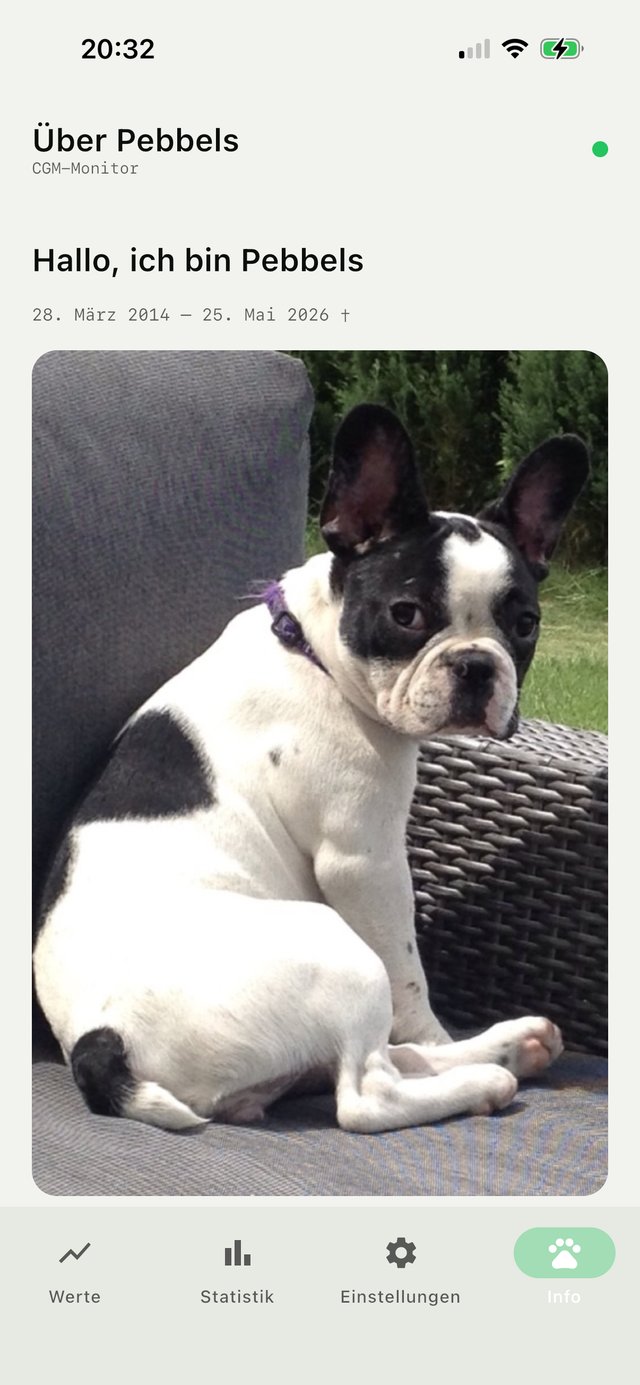
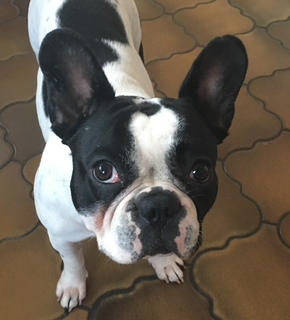
This app came about especially for Pebbels — and it helped her wonderfully, probably preventing several nighttime crises. What her illness cost in hard-won lessons and experience should now help others.
A standalone Android app: it connects via Bluetooth to the Dexcom G7 / One+ or the Aidex 2, establishes a secured handshake and reads the glucose value every 5 minutes — entirely without the manufacturer's app.
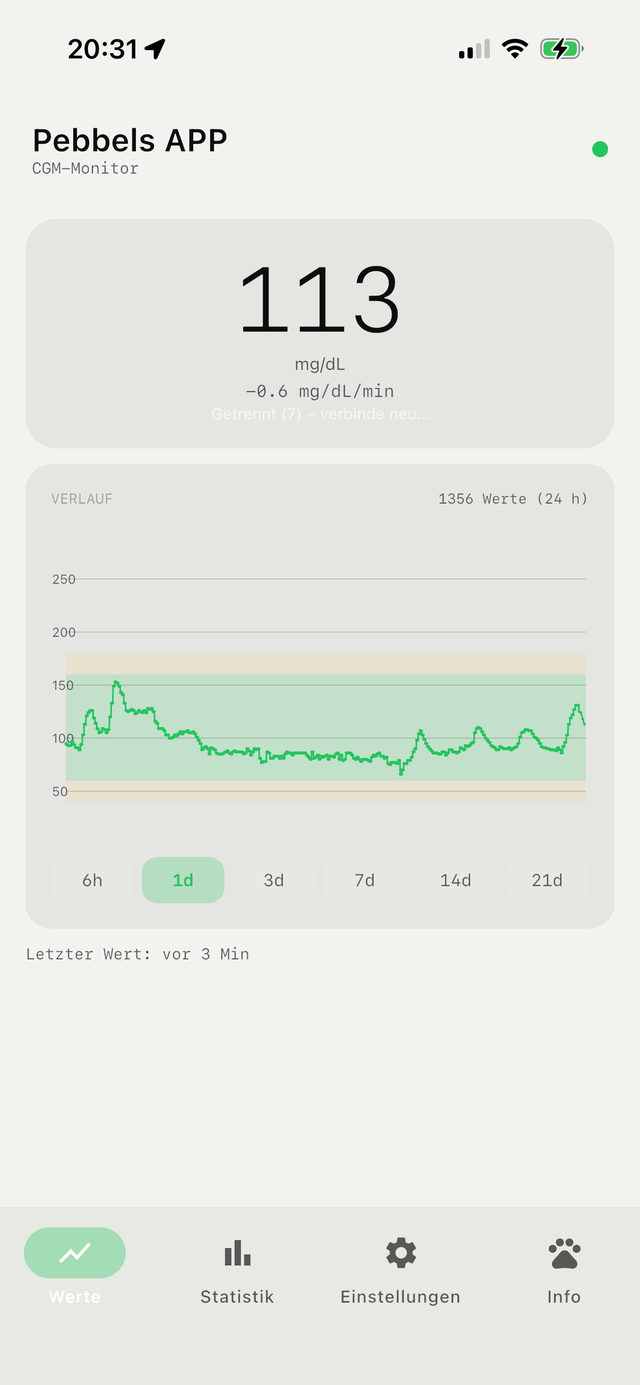
A large current value in mg/dl, with the trend graph and a coloured target range below it. The time window is freely selectable: 6 h, 1, 3, 7, 14 or 21 days.
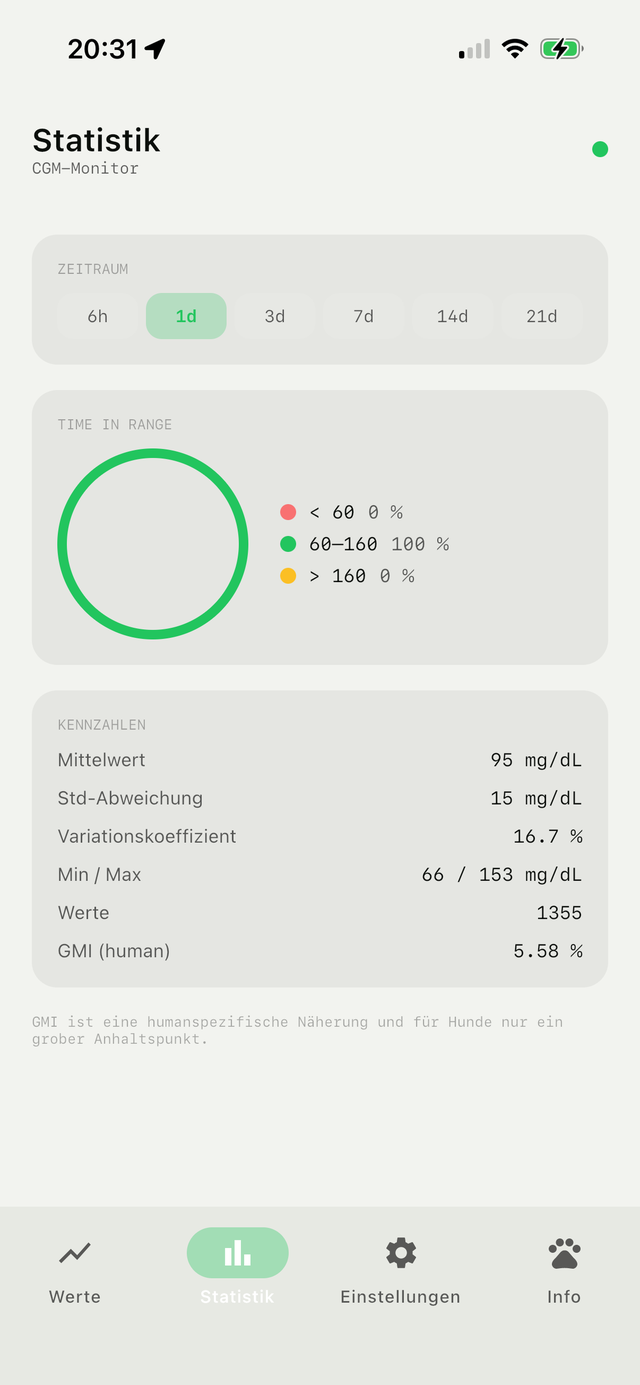
For each period it evaluates how much time was spent in the target range — the most important measure with insulinoma.
It keeps measuring and sending reliably even with the display off — crucial for night-time monitoring.
On request, the app sends the last few hours to your own server. A mobile web dashboard then shows the trend even out of Bluetooth range (auto-refresh). Without activation, everything stays on the device.
Open source under GPL-3.0 (derived from Juggluco). Available for Android and iOS. No ads, no data collection.
What it looks like
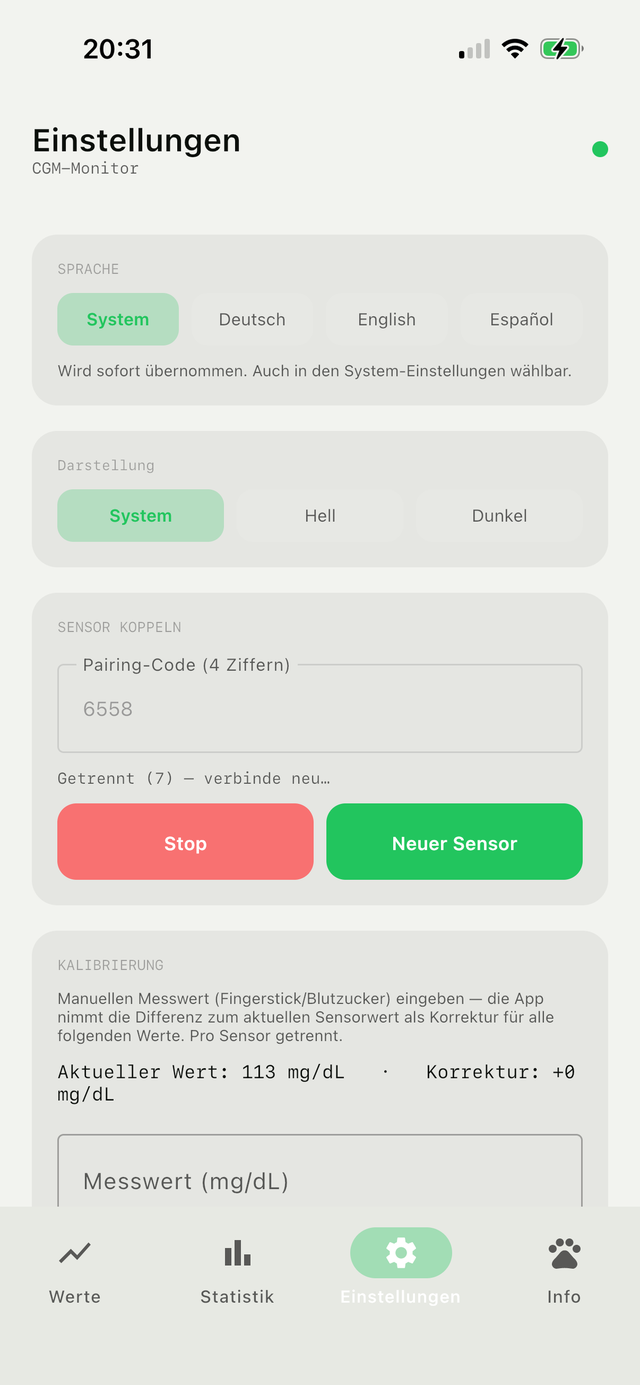
Four areas, switchable via tabs at the bottom — plain and pared down to the essentials:
Sensors in real-world testing
From the experience with Pebbels — which sensors proved themselves for insulinoma monitoring and which did not:
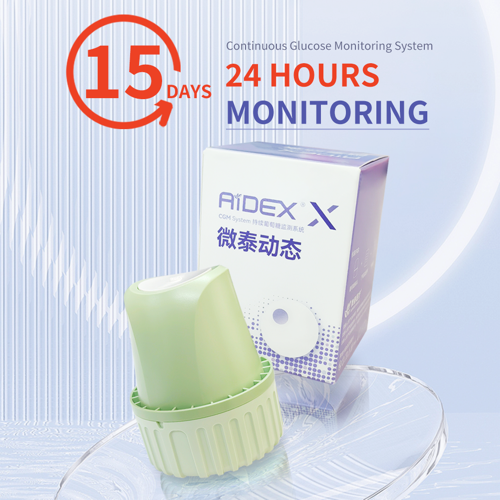 Aidex 2approx. €30≈ €2/day · 14 daysour favourite
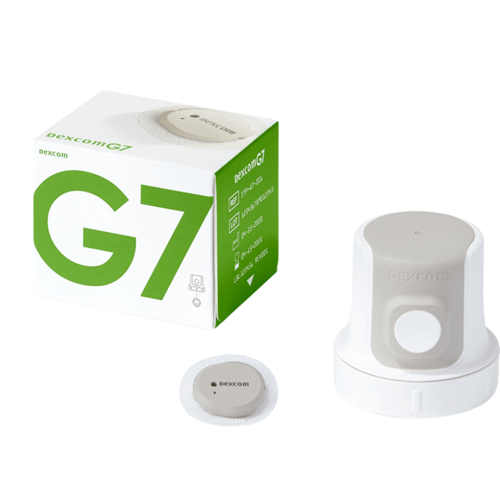 Dexcom G7approx. €89≈ €8.50/day · ~10 days
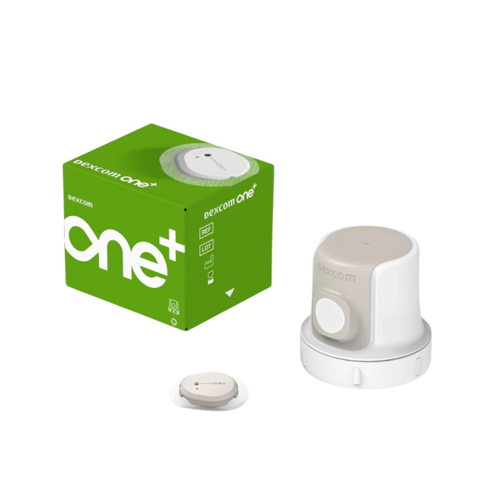 Dexcom ONE+approx. €55≈ €5.50/day · ~10 days
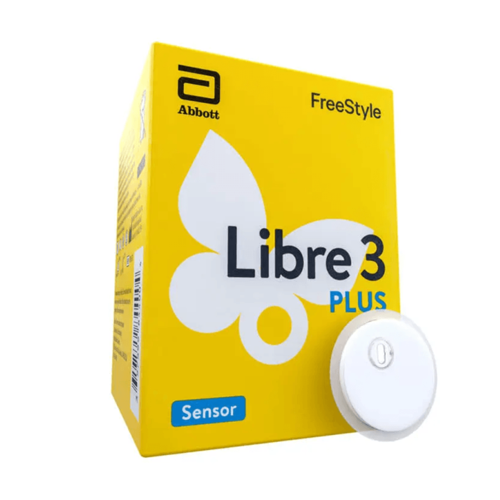 FreeStyle Libre 3 Plusapprox. €70≈ €4.70/day · 15 daysMicrotech AiDEX Xapprox. €30≈ €2/day · 14–15 daysunusable
Guide prices for self-payers (Germany), as of 2026 — varying by source. All human sensors are used "off-label" on the dog.
The best experience — reliable and precise, usable even in the critical low range. This is exactly what the app is built for.
A major shortcoming with insulinoma: it shows no values below 40 mg/dl, and during prolonged hypoglycemia the sensor shuts down entirely — precisely when you need it most.
The cheap Chinese sensor (~€30 for 14 days) has now been tested and clearly failed. Independent measurements show a mean absolute relative difference (MARD) of around 15–22% versus ~9% for Dexcom. In the test it drifted heavily — showing over 300 mg/dl while the Dexcom read 124 at the same time — and took 3–4 days before it produced even halfway usable values. The drift cannot be calibrated away either. For insulinoma monitoring, where reliable low values are what matter, it is therefore unsuitable.
Unlike the AiDEX X, the Aidex 2 held up in our own real-world test: reliable readings, around €30 for a 14-day wear time (≈ €2/day) — and the app reads it directly, just like the Dexcom. That makes it our price-performance favourite for long-term monitoring.
Attaching & keeping it on
Field-tested attachment aids so the sensor stays securely in place for the whole wear time:
It proved excellent: it holds the sensor reliably, even on an active dog, and comes off again with little residue. Use skin-friendly glue and test it beforehand on a small spot.
With Pebbels, the neck between the shoulder blades worked best — the dog can hardly reach it itself, the skin sits loosely, and the sensor stays secure even during rough play.
A fixation patch/overpatch for extra security, and prepare the fur at the spot (briefly part or trim it). More tips to follow.
For several dogs & owners
Each installation automatically generates its own random identifier (UUID) — at once an identifier and an access key. This makes it easy to pass the app on to other owners: each installation gets its own data and its own dashboard, without a login, cleanly separated. It is from exactly such a dashboard that Pebbels' glucose curve of the final days comes.
Install the app
Free & ad-free, open source (GPL-3.0). Scan the QR code with your phone — or tap the store button.
Android · scan or tap
iPhone · scan or tap
How to use it
- Pair the sensor: the Settings tab → enter the 4-digit pairing code (printed on the sensor applicator or the packaging) → Start. The app connects and reads every 5 minutes. Change for a new sensor, Reset to disconnect.
- Value & trend: the Values tab shows the current value in mg/dl and the graph; choose the time window at the top (6 h to 21 days).
- Set limits: in Settings, set the Time-in-Range limits (default 80 / 180 mg/dl; with Pebbels the target range was tighter).
- Statistics: the Statistics tab shows, per period, how much time was spent in the target range.
- Cloud dashboard (optional): in Settings, enable the cloud upload — so you can see the trend in your browser, even out of Bluetooth range.
- When there are problems: the Debug view (status & log) has moved into the menu; there you can share the trend or trigger a hard reset (bond + session).
AndroidiOSOpen Source · GPL-3.0